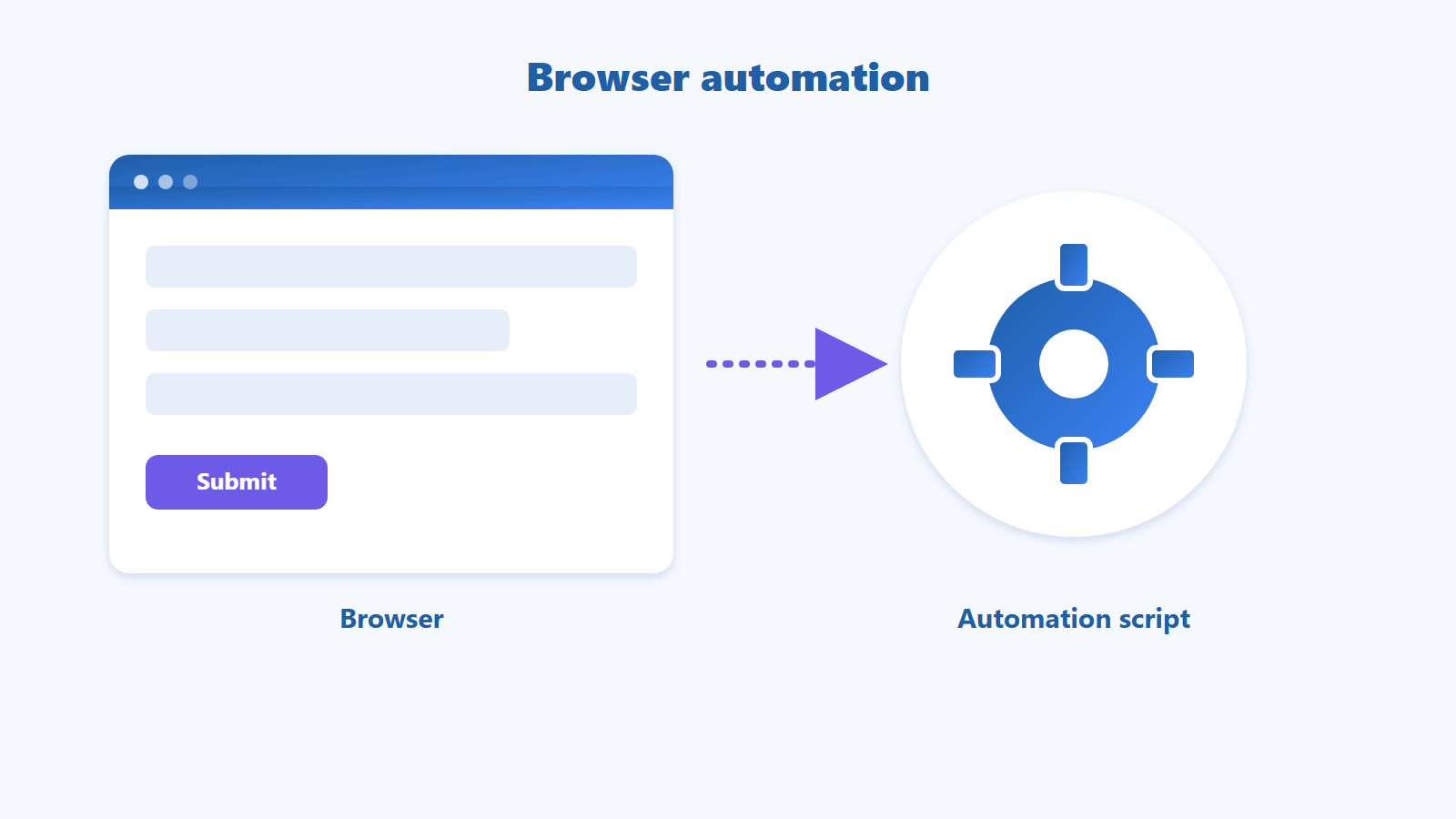
What Is No-code? No-code vs Low-code vs Traditional Code Explained

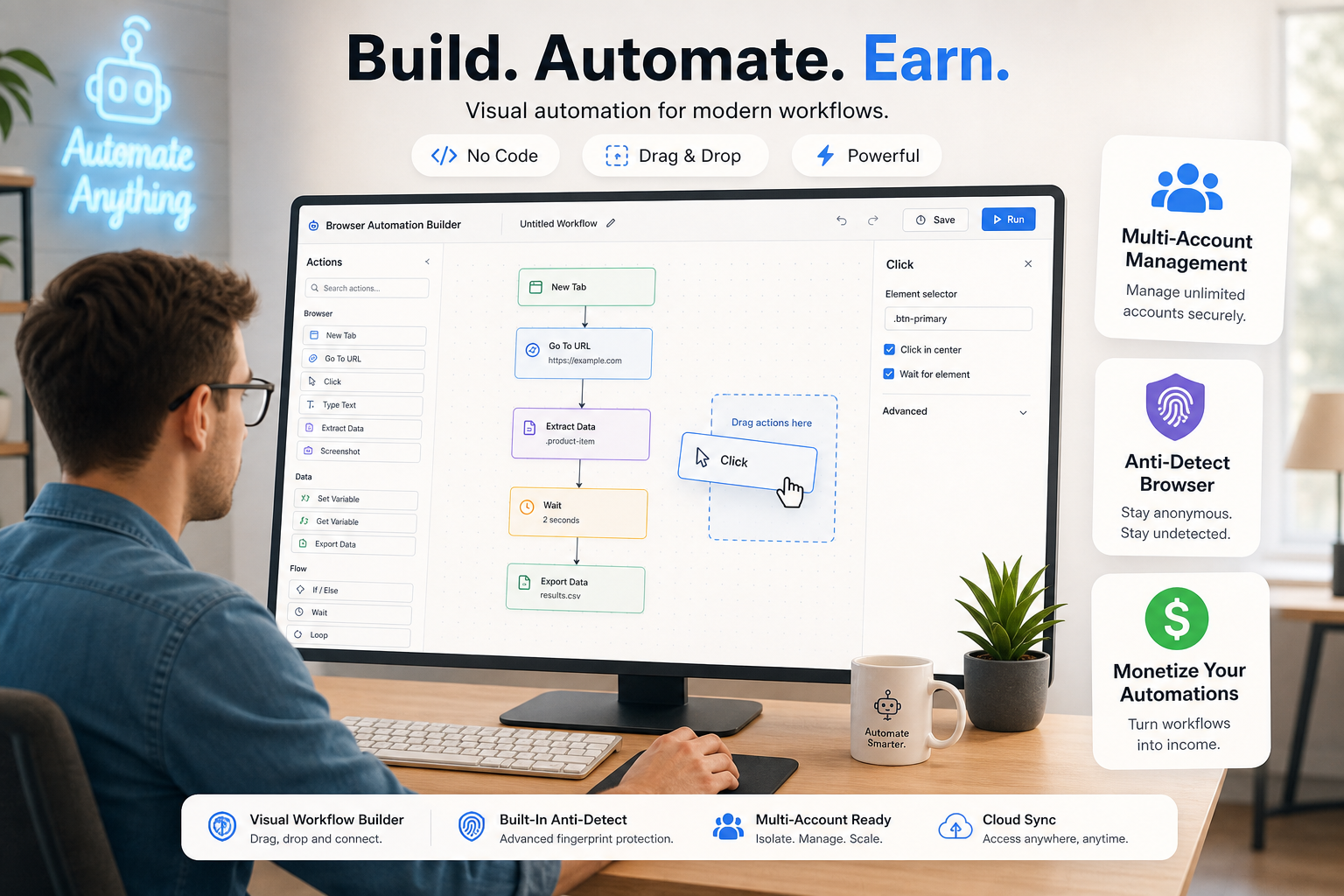
No-code turns repetitive manual work into an automated workflow — just drag and drop, no coding required.
No-code is a way to build software and automate processes using a visual drag-and-drop interface, without writing a single line of code.
What is no-code, and why should office workers, marketers, and online sellers care? In short, no-code is a method of creating applications and automating tasks by assembling pre-built blocks instead of typing code. In this guide you will learn exactly what no-code is, how it differs from low-code and traditional code, when to use each one, and how to start automating your own work with zero programming knowledge.
TL;DR • No-code = build software/automation by drag-and-drop with no coding; low-code = mostly visual but lets you add code when needed; traditional code = everything written by hand. • No-code fits non-developers who want to automate common processes fast. • Low-code suits semi-technical teams needing complex logic or deep integrations; traditional code suits custom, large-scale products that need engineers. • Key no-code benefits: faster, cheaper, accessible to anyone, and fewer manual errors. • GPM Automate is a no-code platform to build, run, and even sell automation apps without writing code. |
Table of contents
1. What is no-code?
2. How does no-code work?
3. What is low-code, and how is it different from no-code?
4. What is traditional code?
5. No-code vs low-code vs traditional code compared
6. When should you choose no-code, low-code, or code?
7. What are the pros and cons of no-code?
8. How do you get started with no-code?
9. Frequently asked questions
What is no-code?
No-code is a software development approach where users build apps and automations without writing any code. Instead, you work in a visual interface: drag and drop functional blocks, choose settings from menus, and connect them into a working flow. The no-code platform generates the underlying code for you.
Think of it like building with LEGO bricks: each block is a ready-made function (send an email, write a row to a spreadsheet, run on a schedule), and you simply snap them together in the order you want. This lowers the technical barrier to almost zero, letting non-technical people create their own tools without depending on a development team.
The trend is closely tied to the idea of the "citizen developer" — people with no formal programming training who still build real applications using no-code tools. Gartner reports that a growing majority of application development activity is shifting to low-code/no-code platforms, signaling a long-term change in how organizations build software rather than a passing fad.
How does no-code work?
No-code works by replacing hand-written code with pre-built visual components that the platform compiles into a real, running application behind the scenes. You design with your mouse; the platform handles the engineering.
A typical no-code flow has four steps:
1. Pick a template or start from a blank canvas
2. Drag and drop blocks: triggers, actions, and conditional branches
3. Connect the tools you already use (Google Sheets, email, CRM…)
4. Test, publish, and let the app run automatically on a schedule or event
A real-world example: a shop owner wants "every time there is a new order in the spreadsheet, automatically send a confirmation email to the customer." With no-code, they just pick the trigger "new row in Google Sheets," connect it to the action "send email," fill in the content — done. Not a single line of code.
What is low-code, and how is it different from no-code?
What is low-code? Low-code is a development approach that is mostly visual but still allows you to insert custom code when needed. It sits between no-code and traditional code: fast and easy like no-code for most work, but more flexible when requirements get complex.
The core difference is the "ceiling of capability": no-code is limited to what the platform provides out of the box, while low-code lets developers write custom snippets to go beyond those limits. In return, low-code usually requires some technical knowledge, so its main audience is power users or IT teams rather than complete non-coders.
What is traditional code?
What is traditional code? Traditional code is building software entirely by hand, writing every line in a programming language such as Python, JavaScript, or Java. It is the most flexible approach — with virtually no limits on what you can create — but it is also the most time-consuming and costly, and it requires skilled developers.
For custom, large-scale software products, or anything that needs deep performance tuning, traditional code remains irreplaceable. But for most everyday automation needs of individuals and small businesses, traditional code is often overkill — far more complex and expensive than what no-code can deliver in a few hours.
No-code vs low-code vs traditional code compared
The table below summarizes how the three approaches differ across the factors that matter most when you choose:
 No-code, low-code, and traditional code differ in how much coding they require and who uses them.
Factor | No-code | Low-code | Traditional code |
Coding required | None | Some, when needed | Mandatory |
Time to launch | Fastest (hours–days) | Fast (days–weeks) | Slow (weeks–months) |
Main audience | Non-developers | Power users, IT teams | Software developers |
Customization | Within platform limits | High, with custom code | Virtually unlimited |
Upfront cost | Low | Medium | High |
Best for | Common apps & automation | Complex logic, integrations | Custom, large-scale products |
When should you choose no-code, low-code, or code?
Choose no-code when you cannot code and need to automate a common process fast; choose low-code when the problem is more complex but your team has some technical skill; choose traditional code when you are building a custom product no platform can handle.
• Choose no-code if: you are an office worker, marketer, seller, or freelancer who wants to automate repetitive work (data entry, emails, syncing) without relying on IT.
• Choose low-code if: you need complex business logic or deep multi-system integration and have power users or IT to write custom snippets.
• Choose traditional code if: you are building a core software product that needs full control and performance tuning, with budget for a developer team.
Start automating without code GPM Automate is a no-code platform that lets you build automation apps by drag-and-drop. Explore GPM Automate and start automating repetitive work today. |
What are the pros and cons of no-code?
No-code delivers speed, low cost, and accessibility for everyone, but trades off some customization and adds platform dependence. Understanding both sides helps you use no-code in the right place.
Advantages
• Fast: ship automations in hours instead of weeks.
• Cost-effective: no need to hire a dev team for common needs.
• Accessible: non-coders can build their own tools.
• Fewer errors: machines run processes consistently, reducing manual mistakes.
Limitations to keep in mind
• Bounded by what the platform offers — highly custom requirements may not be possible.
• Vendor lock-in: switching platforms can take effort.
• For very large or complex systems, traditional code still wins on performance and control.
One important note on how you use it: automation tools should be used for legitimate, transparent purposes — automating your own work, managing accounts or storefronts you are authorized to run, and optimizing genuine business processes. Using automation to mass-create fake accounts or to circumvent the terms of service of large platforms can violate those policies and carries legal risk.
How do you get started with no-code?
To get started with no-code, pick a small repetitive process, choose a suitable no-code platform, and build one simple automation before scaling up. Starting small helps you learn fast and see results immediately.
 Why choose no-code, and the four steps to bring a no-code app to life — with a marketplace bonus.
With GPM Automate, you can build automation apps for your own needs or download ready-made ones from the GPM Automate Market — an app store where users share and sell legitimate automations. If you build something useful, you can even publish it to earn income.
Frequently asked questions
Does no-code really require zero coding?
Yes. With a no-code platform you build applications entirely through a drag-and-drop interface and visual configuration, without writing any code. Programming knowledge is an advantage but not a requirement.
What is the difference between no-code and low-code?
No-code involves no coding at all and is limited to the platform’s built-in features. Low-code is mostly visual but lets you add custom code when needed, making it more flexible for complex problems in exchange for some technical knowledge.
Will no-code fully replace developers?
No. No-code handles most automation needs and common apps well, but for custom, very large-scale products or deep performance tuning, traditional code and developers remain irreplaceable.
Is no-code safe and legal?
No-code is safe and legal when used for the right purposes: automating your own work, managing accounts or storefronts you are authorized to run, and optimizing transparent business processes. Avoid using automation to mass-create fake accounts or violate third-party platform terms.
Where should a beginner start with no-code?
Pick a small repetitive process (for example, auto-sending an order confirmation email), choose a no-code platform such as GPM Automate, and build your first automation. Start small, test it, then expand as you get comfortable.
Conclusion
No-code opens the door for anyone — even people who have never written a line of code — to automate their work and build their own tools. Understanding the difference between no-code, low-code, and traditional code helps you pick the right tool for the right job, saving both time and money. For most everyday automation needs, no-code is the fastest and most effective place to start.
Ready to build your first automation? Visit GPM Automate to start for free, or explore the automation app store to use ready-made apps right away. |