Let AI Write Your Automation Tool: No Coding Needed
How to get AI to write an automation tool for repetitive work without coding: give AI a skill, approve the outline, show it the real page, test and fix with logs.
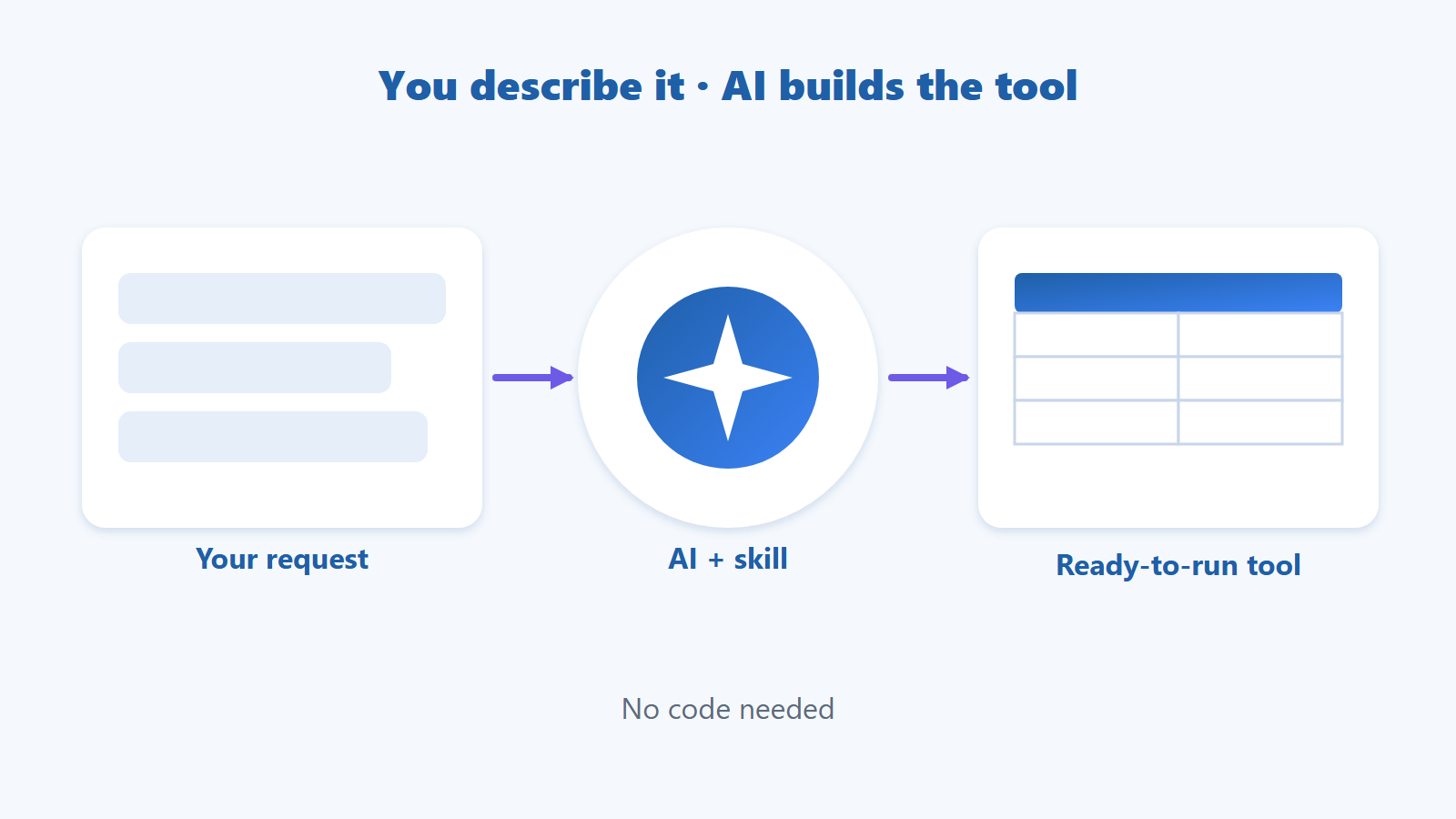
You can ask AI to write a small tool for a daily repetitive job such as collecting prices, filling forms or processing files. Give AI a skill, describe the task in plain words, approve the outline, let it see the real page, then test and fix with logs.
Do you copy names and prices from one site into Excel every day, or fill the same form dozens of times? You used to hire a developer or learn to code. Now you tell AI what you want and it writes the tool. This guide follows one real scenario, from telling AI what you need to a tool that runs correctly, and shows where AI slips and how a skill fixes that.
Quick summary
AI can write tools for repetitive, rule-based jobs: collecting data, filling forms, processing files, sending reports.
You do not need to code, but you do need to describe the input, output and quantity clearly.
A generic AI does not know what features your tool has. Give it a skill (a ready-made instruction pack) and it uses the right feature names, the right format and the right process.
The most reliable flow: give a skill → describe → approve the outline → show the real page → test → fix with logs.
AI slips in three places: guessing element positions, forgetting to wait for the page, mishandling empty data.
Table of contents
What Does It Mean for AI to Write a Tool, and What Can It Do?
Scenario: Collect the Names and Prices of 20 Products into Excel
What Is a Skill, and Why Does AI Write Better Tools with One?
What Does It Mean for AI to Write a Tool, and What Can It Do?
You describe the job in words, AI produces a program or script that does it for you, and you just run and check it.
The best fit is work you do by hand over and over with the same routine:
Collect data from several pages into Excel.
Fill forms in bulk from a data table.
Rename, sort or download files from a list.
Send result reports through Telegram or email.
A poor fit is work that needs judgement every time (for example choosing the nicer photo) or sites that forbid automation.
If the basics are unclear, read What Is Browser Automation? How It Differs from RPA and Macros first.
Scenario: Collect the Names and Prices of 20 Products into Excel
Start with a small job with an instantly visible result, such as collecting the names and prices of 20 products from a listing page into Excel.
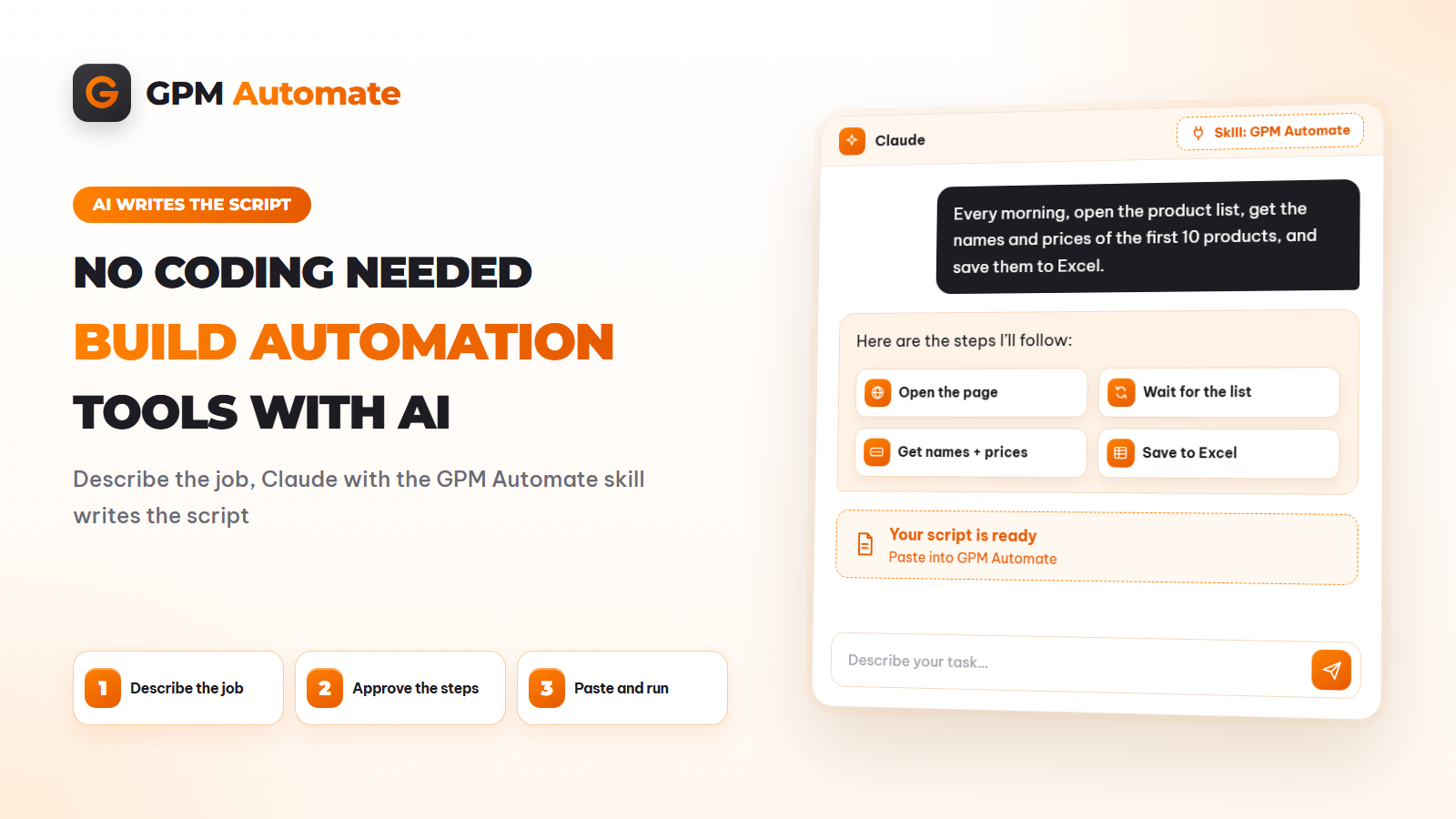
By hand this takes about 15 minutes and is easy to get wrong. A good request to AI sounds like: "Open [link], take the name and price of the first 20 products, write one product per row in Excel D:\price.xlsx, column A is the name and column B is the price."
It contains four things: which page, what to take, where to write, how many. A request like "get the prices for me" forces AI to guess, and it guesses wrong.
What Is a Skill, and Why Does AI Write Better Tools with One?
A skill is a ready-made instruction pack that AI loads while working: what features your tool has, how to write them correctly, which process to follow and which common mistakes to avoid.
Any AI understands programming in general, but it does not know which actions your specific tool has, or in what format a script must be written. Without guidance it guesses, and a wrong guess means the tool does not run. A skill solves exactly that. Claude calls it a skill; other AIs have something similar, usually an instruction file placed in the working folder.
AI without a skill | AI with a skill | |
|---|---|---|
Features | May invent features that do not exist | Uses only the real feature list |
Output format | Often wrong, so pasting into the tool fails | Returns the correct pasteable format |
Way of working | Writes everything at once and says done | Outlines, asks for approval, reads the real XPath, hands over a draft, asks you to test |
Common mistakes | Learned only after they happen | Warned about in advance (forgetting to wait, wrong condition syntax…) |
For example with GPM Automate, the gpm-automate skill tells AI to use only actions in the list (if a request has no matching action, say so and suggest a workaround), read XPath from a page that is really open, always add a wait when a page loads, and follow the order outline, you approve, locate XPath, hand over the script, you test, send the log if it fails.
In other words, a skill turns AI from someone who codes well in general into someone who has read your tool's manual closely. Download the gpm-automate skill here: skill download folder. A step-by-step install guide is in Install the GPM Automate Skill for Claude, Step by Step.
Six Steps to Get AI to Write Your Tool
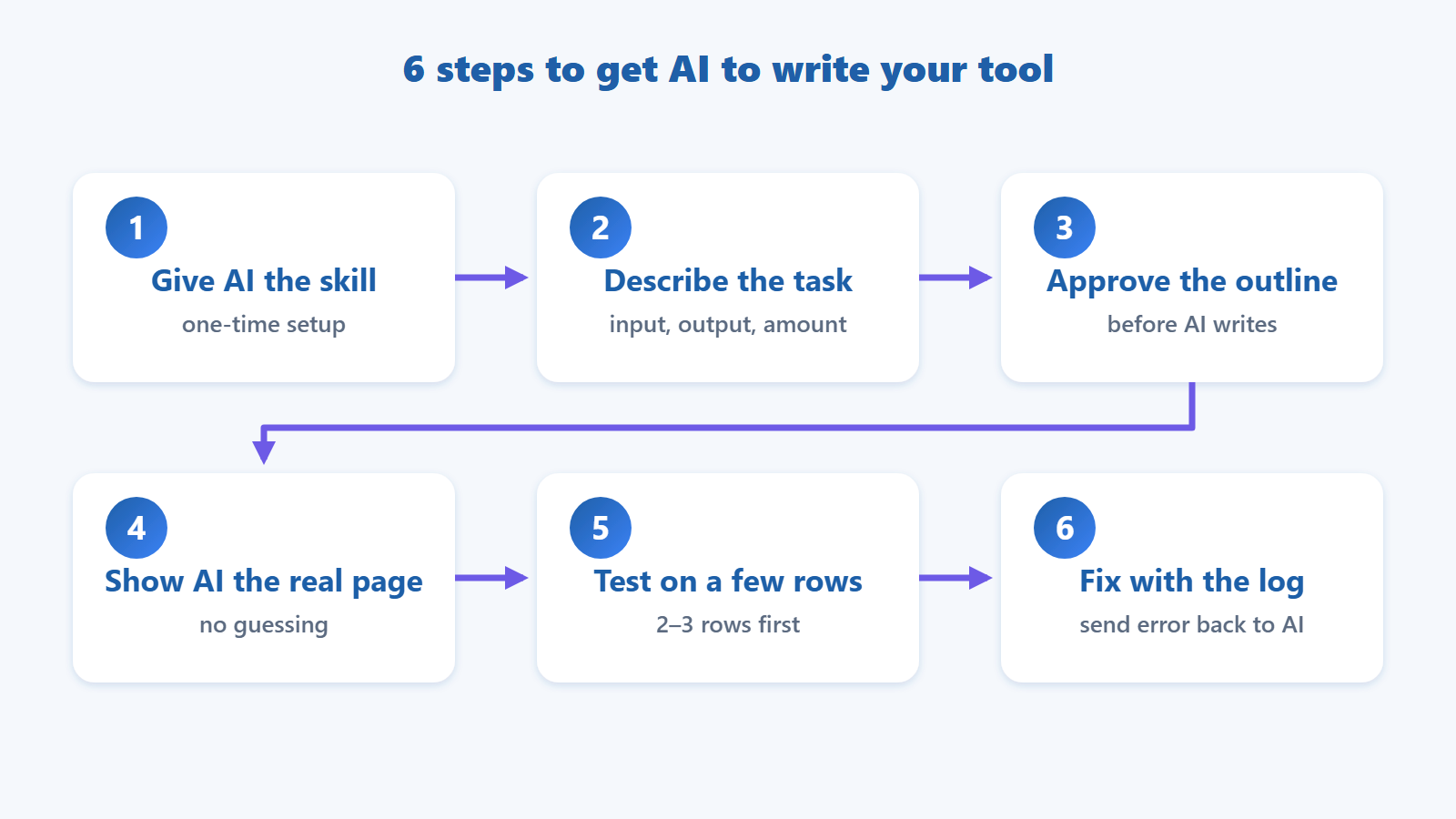
Give AI a skill, describe the job, approve the outline, show AI the real page, test with little data, then fix errors with the log.
Step 1. Give AI the skill for the tool you use. Do it once and reuse it. The detailed install steps are in a separate guide.
Step 2. Describe the job. State the input, output and quantity, as in the example above.
Step 3. Approve the outline. Ask AI to list the steps in words before writing. Fixing an outline costs far less than fixing a finished tool. You can adjust right away: also read the link, skip out-of-stock products.
Step 4. Show AI the real page. AI builds the tool from the page structure; guessing usually makes the tool look in the wrong place. Let AI open the actual page in a browser and read what is displayed, especially for pages loaded with JavaScript.
Step 5. Test with little data. Run 2–3 products instead of 20 to see problems early.
Step 6. Fix with the log. If the tool fails, copy the error message, or describe which step it stopped at and what the page showed, and send it back to AI. It fixes that exact spot; you do not rewrite from scratch.
Steps 3 and 4 are also exactly the process a skill tells AI to follow, so you usually only need to agree or adjust the outline.
Where Does a Tool Written by AI Run?
There are three common ways: run it as code (Python, Playwright), as a browser extension, or in a no-code tool. Choose what you are comfortable with.
How it runs | Advantage | Limitation |
|---|---|---|
Code (Python, Playwright) | Most flexible | You must set up an environment and read errors |
Browser extension | Quick to install, runs inside the browser | Limited for multi-step or multi-account jobs |
No-code tool such as GPM Automate | A ready skill so AI writes the right format, paste straight into the Editor, run on many browser profiles | You learn the interface once |
For people not used to code, a no-code tool is easier to check because you see each step on screen. If you want to try this route, see the GPM Automate documentation.
Where Does AI Fall Short?
Three common slips: element positions on the page, when to wait for the page, and empty or unusual data.
Guessing element positions wrong. If the page layout changes, the tool breaks. Prevention: show AI the real page and test first.
Forgetting to wait. A tool that reads data before the page finishes loading returns empty results.
Empty data. Out-of-stock items or broken links stop the tool midway. Ask AI to add a step that skips and logs the error. Building this is covered in Variables, Loops and Conditions.
Overconfidence. AI says done before testing. Always run it yourself and compare a few rows with real data.
Is It Safe to Let AI Write Tools?
It is safe if you control the data you send to AI, test on small data and only automate sites that allow it.
Do not send passwords, secret keys or customer data to AI. Use sample data for testing.
Skim the tool before running it, especially any step that writes files or sends data somewhere.
Follow the site's terms. Some sites forbid data collection or automated actions.
Frequently Asked Questions
Can I ask AI to write a tool if I cannot code?
Yes. You describe it in words and check by running a test. Understanding the basics of how the tool works helps you fix problems faster.
What is a skill, and is it complicated?
No. A skill is just a text instruction pack (with reference documents) that AI reads before it works. You do not need to code to use it.
Can AI write a tool without a skill?
It still can, but it is more likely to get feature names and formats wrong and to skip checks. With a skill, AI is warned in advance about common mistakes, so it usually needs fewer fixes.
Which AI should I use?
Major AIs such as Claude or Gemini can write tools. What matters more is that the AI has guidance for your tool, can read the real page and that you can test the result.
Does the tool run correctly the first time?
It usually takes one to a few rounds of testing and fixing. That is normal.
Can I use an AI-written tool long term?
Yes, but if the site changes its layout the tool may break. Send the error back to AI to fix it.
Conclusion
Having AI write tools turns repetitive work into something a machine does, without learning to code. The keys are giving AI the skill for your tool, describing the job fully, approving the outline, showing AI the real page and always testing first. Start with a small job of 5 to 20 rows of data.
Ask AI to write your first tool
Download the skill, pick a small job with 5 rows of data and follow the six steps. Read the docs for details on each action.
About the author
Canh Duc — content lead for GPM Automate, GPM Softwares. Experience building and running browser automation scripts for everyday workflows.
Reviewed by the GPM Softwares content team.
Published: 2026-11-02 · Updated: 2026-11-02