No Coding Needed: Build Automation Tools With the GPM Automate Skill for Claude
Code looks like gibberish and AI scripts never run? Install the GPM Automate skill for Claude, describe the job in detail and let AI write the script.
8 a.m. You open one profile after another, visit each page, and copy product names and prices into Excel. Then come the forms, the posts, the order checks. The morning is gone before your real work starts.
You know a machine could do this. But open GPM Automate, see rows of blocks, settings and long paths, and your eyes glaze over. You do not know where to start.
So you ask AI to write it. It hands you a wall of code. You cannot understand a single line, so you just copy and paste it. It does not run. You ask again and get a different wall of code. That does not run either. A five-minute favour from AI turns into a whole afternoon of asking again and again.
The problem is not you. AI is smart, but it has never read the GPM Automate manual, so it guesses. A wrong guess breaks the script, and you are the one left fixing it.
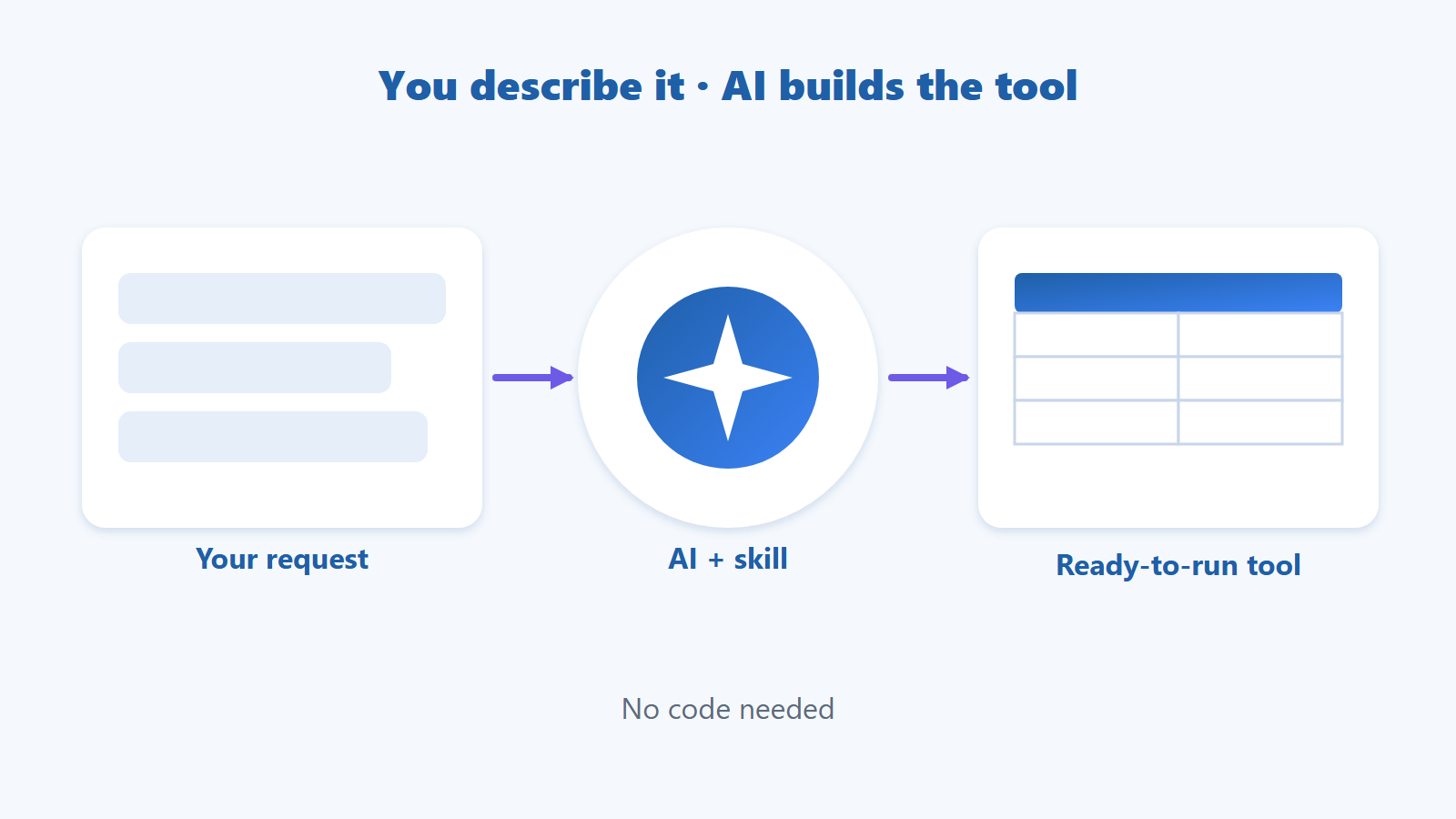
The GPM Automate skill for Claude fixes exactly that. It is a "handbook" that teaches Claude how GPM Automate works before it starts. You describe what you want in plain words, Claude writes the script, and you paste it into GPM Automate and run it. No need to understand code.
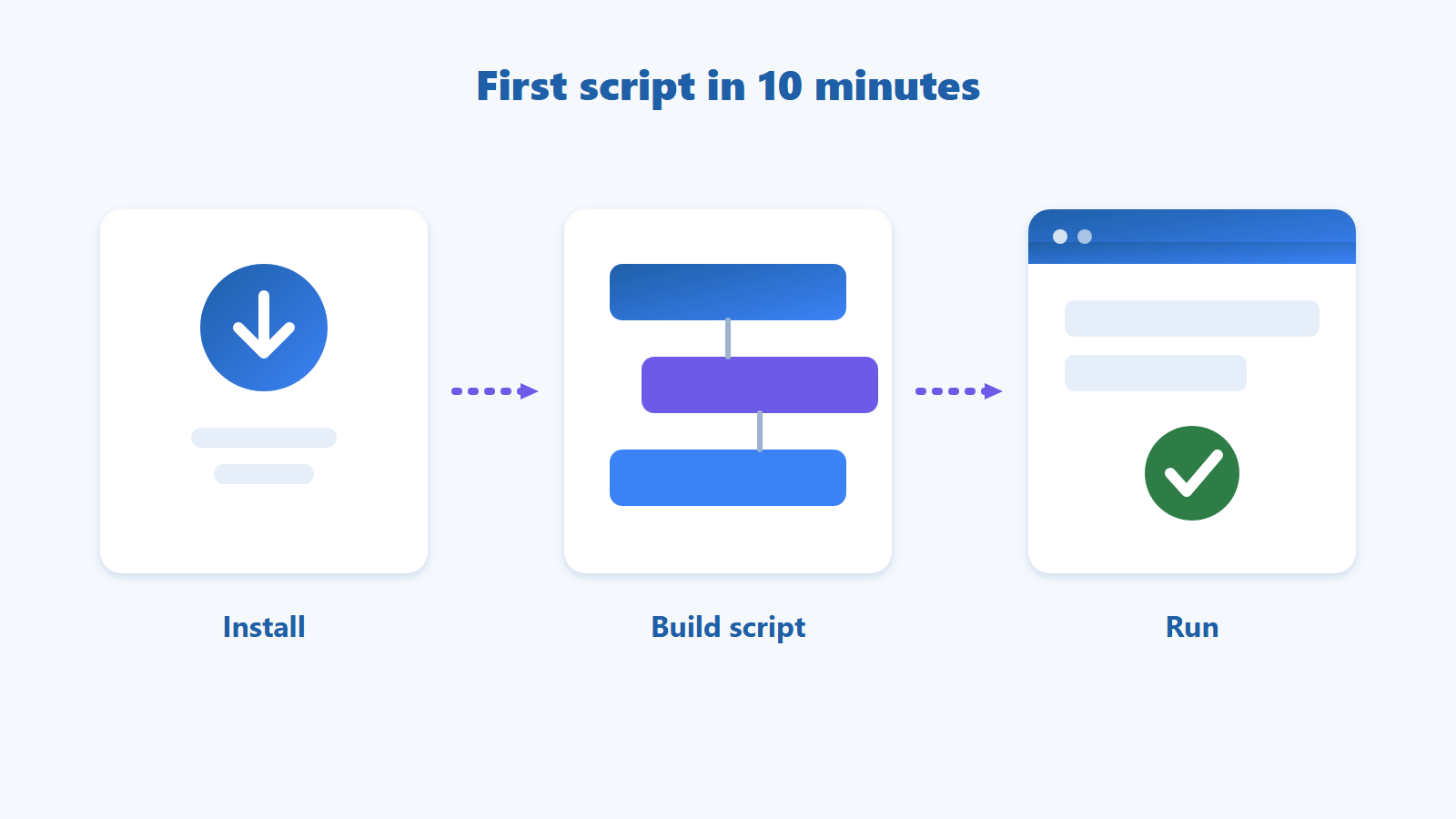
Install the skill once → describe the job in detail → check Claude's summary of the steps and say OK → paste the script into GPM Automate and test it. If something fails, copy the error message back to Claude.
Table of contents
What Is a Skill? Think of It as a Handbook for AI
Imagine hiring someone great with computers who has never used GPM Automate. They would work by guesswork. Hand them a handbook, and they get it right from the start.
A skill is that handbook, written for Claude. It explains what GPM Automate can do, how a script must be written so it runs as soon as you paste it, and which common mistakes to avoid.
Claude without the skill | Claude with the skill |
|---|---|
Guesses, sometimes invents features that do not exist | Uses only features GPM Automate really has |
Gives you code you do not know where to put | Gives you a script you paste straight into GPM Automate |
Starts writing right away and may misread you | Summarises the steps in plain words for your approval |
Leaves you guessing why it failed | You send the error message, Claude finds the fix |
The skill does not make every script perfect on the first try, so you should still test it. But instead of reading code, your job is simply to describe the task clearly and check the result.
You Only Need to Do Three Things
Describe the job in detail. Like briefing a new employee: which page, what to do, what information to collect, where to save it, how many times.
Approve the steps. Claude summarises the steps in plain words. If they are right, say "OK"; if not, point out what to change.
Test and report back. Paste the script into GPM Automate and run it with a little data first. If there is an error, copy the full message and send it to Claude.
The hard part, writing the script, picking the right features and finding the right buttons on the page, is Claude's job.
Install the GPM Automate Skill for Claude in a Few Minutes

You need a Claude account and GPM Automate on your computer. If you have not installed GPM Automate yet, see the GPM Automate installation and first-script guide.
Claude may rename or move menu items over time. This guide uses the labels currently shown so you can find them easily.
Step 1. Download the Skill
Open the gpm-automate skill download folder and download it. The skill is a folder named gpm-automate. If you get a folder, right-click gpm-automate and compress it into a ZIP file. If you already have a ZIP, keep it as it is.
Tip: compress the whole gpm-automate folder. Do not open it and zip only the files inside.
Step 2. Open Claude's Settings
In Claude on the web or the Claude desktop app, go to Settings → Capabilities. Turn on Code execution and file creation. Skills need this setting to work.
Step 3. Upload the Skill
Scroll to Skills, click Upload skill and choose the ZIP file from step 1.
Step 4. Turn It On
Find gpm-automate in the list and switch it on.
Step 5. Try It
Start a new conversation and type:
Use the gpm-automate skill. Write a script that opens example.com, waits for the page to appear and gets the page title. Summarise the steps for my approval first.
If Claude replies with a list of steps and asks you to approve them, the skill is working.
Using Claude Code (the version that runs in a terminal window)? Just copy the whole gpm-automate folder into the .claude\skills folder in your user folder, for example C:\Users\<name>\.claude\skills\gpm-automate, then start a new session.
Example: How to Describe a Task So Claude Gets It Right
The secret is in how you describe it. Claude cannot see your screen, so the more specific you are, the more accurate the script.
Vague (Claude has to guess):
Write me a tool to get product prices.
Detailed (Claude can do it right away):
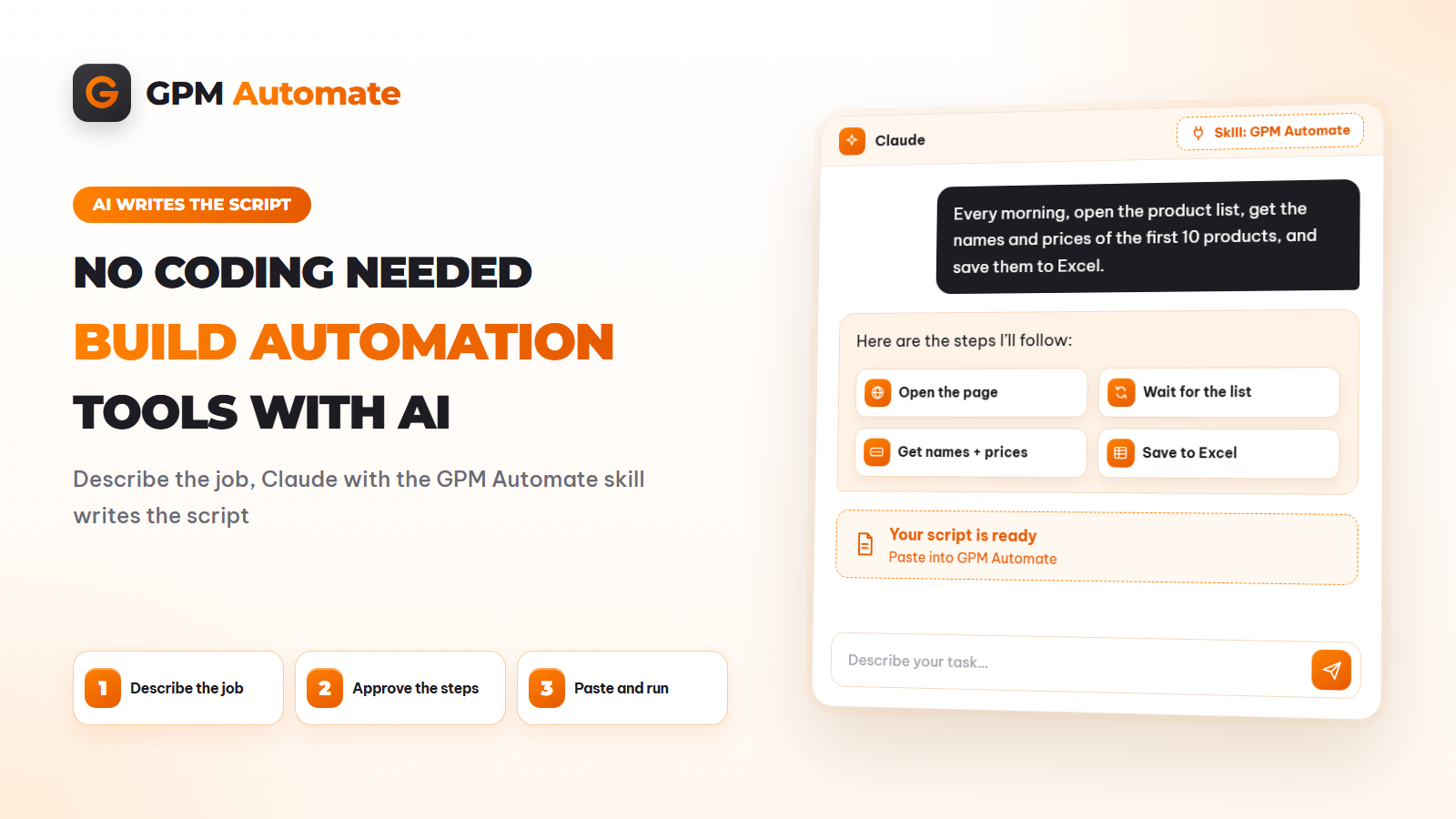
Use the gpm-automate skill. Every morning I open the category page [link], take the name and price of the first 10 products, and save them to an Excel file on drive D called product-prices.xlsx, column A for the name and column B for the price. Only use this page; do not click into each product. Summarise the steps for my approval first.
The second request answers five questions: where, what, how many, where to save, and what the limits are. Here is what happens next:
Claude summarises the steps in plain words, such as: open the page → wait for the list to appear → collect the name and price of 10 products → write each one to a row in Excel. You read it and say OK.
Claude asks for the name of a GPM Login profile that is already signed in, so it can open the real page and find exactly where the names and prices are. You just send the profile name.
Claude gives you the script. Copy it and paste it into GPM Automate. No need to understand what is inside.
Test and compare. Open Excel and check a few rows against the page. If a column is empty or there is an error, tell Claude, for example "at the price step the price column is empty", and include the error message. Claude will fix it.
Start with a small job like this. Once it runs well, expand it: more pages, more profiles, a daily schedule. The article on letting AI write your automation tool without coding has more examples of how to brief AI.
Something Not Working? Check Here
What you see | What to do |
|---|---|
No Skills section | Check that Code execution and file creation is on, and that your Claude plan supports Skills. |
Upload fails | Compress the whole gpm-automate folder into a ZIP again and re-upload. |
Claude gives a generic answer, not using the skill | Check the switch is on, start a new conversation and say "use the gpm-automate skill". |
The script fails when it runs | Copy the error message from GPM Automate and send it to Claude, saying which step it stopped at. |
Not sure what a machine can do for you in a browser? Read what browser automation is.
Pick one task you repeat every day. Install the skill, describe it to Claude in detail and let AI write the script for you.
Download the gpm-automate skill for Claude · Read the GPM Automate documentation
Frequently Asked Questions
Can I use this without knowing how to code?
Yes. You describe the job in plain words and Claude writes the script. You paste it into GPM Automate and run it, without needing to understand what is inside.
Is installing the skill difficult?
No. Download the skill, compress it into a ZIP, upload it under Skills in Claude's settings and switch it on. You only do this once.
What if I cannot see the Skills section in Claude?
Go to Settings → Capabilities and turn on Code execution and file creation. If it is still missing, check whether your Claude plan supports Skills.
How should I describe a task so Claude understands it?
Brief it like a new employee: which page, what to do, what to collect, where to save it and how many times. The more specific you are, the better the script.
What do I do if the script fails?
Copy the full error message from GPM Automate and send it to Claude, saying which step it stopped at. Claude will find the problem and fix it.
How do I update to a new version of the skill?
Delete the old skill under Skills in Claude, upload the new one and switch it on again.
About the author
GPM Software Editorial Team — Multi-account operations & antidetect browser specialists
Building and supporting antidetect browser and automation tooling since 2021.
Written from day-to-day work running and supporting thousands of browser profiles for e-commerce, ads and automation teams.
Editorial review: Drafted with AI assistance, then fact-checked and edited by the GPM Software editorial team before publication.
Contact: [email protected]
Updated: 2026-11-09